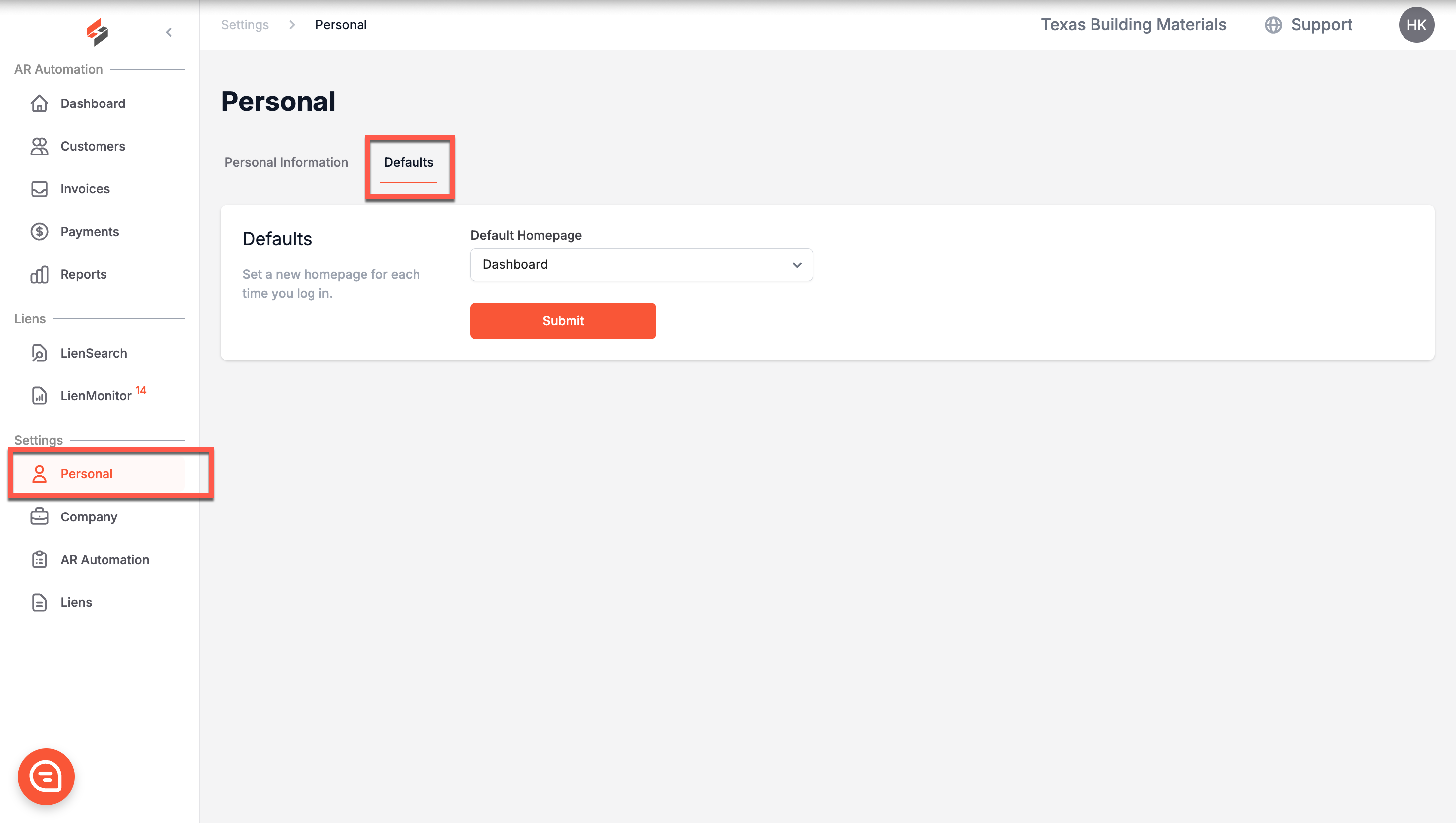
Settings - Personal
Edited
Here, you can edit your personal information, including your first and last name, email, phone number, and password.
Please note that your email serves as your username.
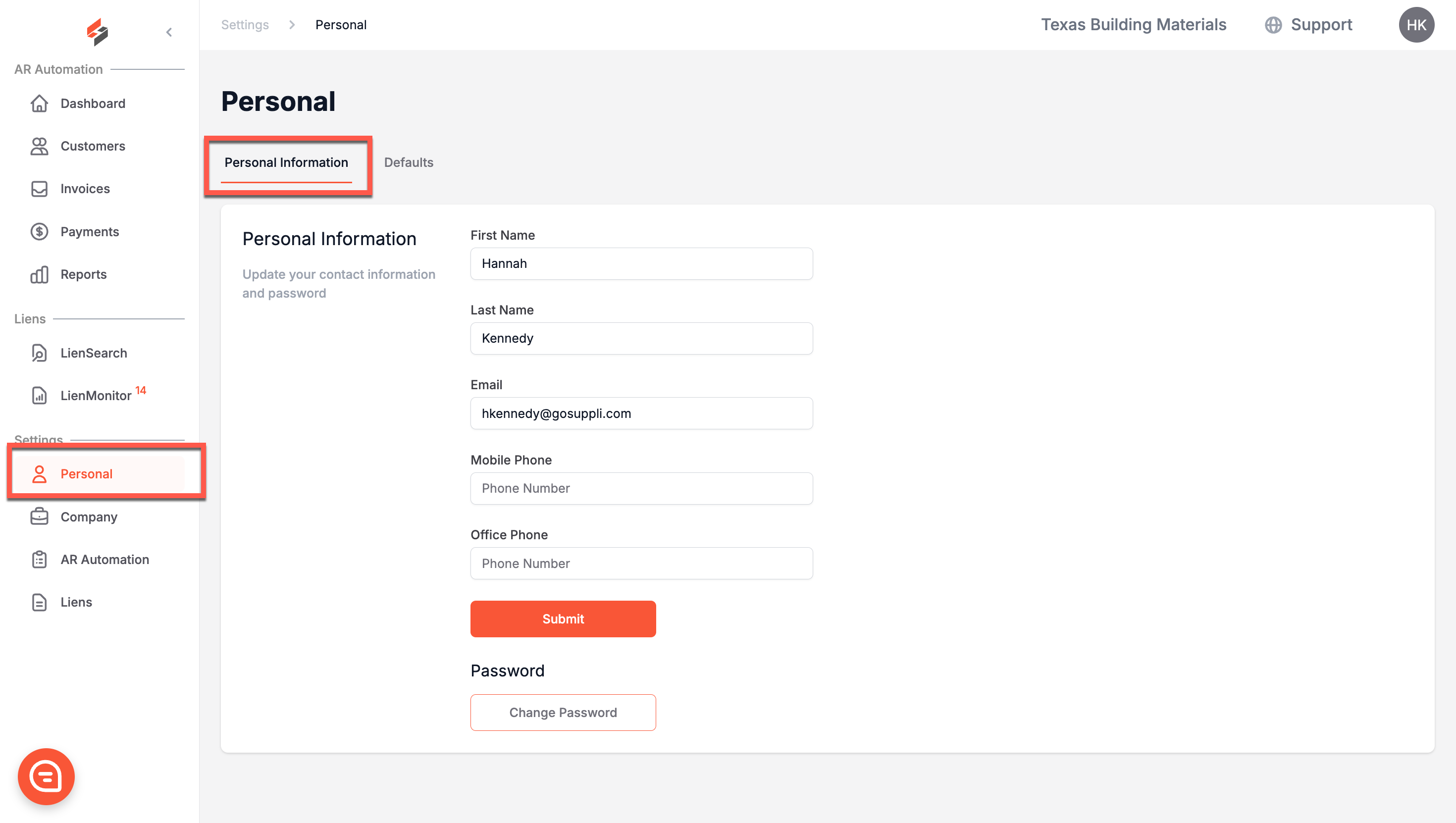
Changing Your Password
To change your password, click "Change Password." A popup will appear, prompting you to enter your old and new passwords.
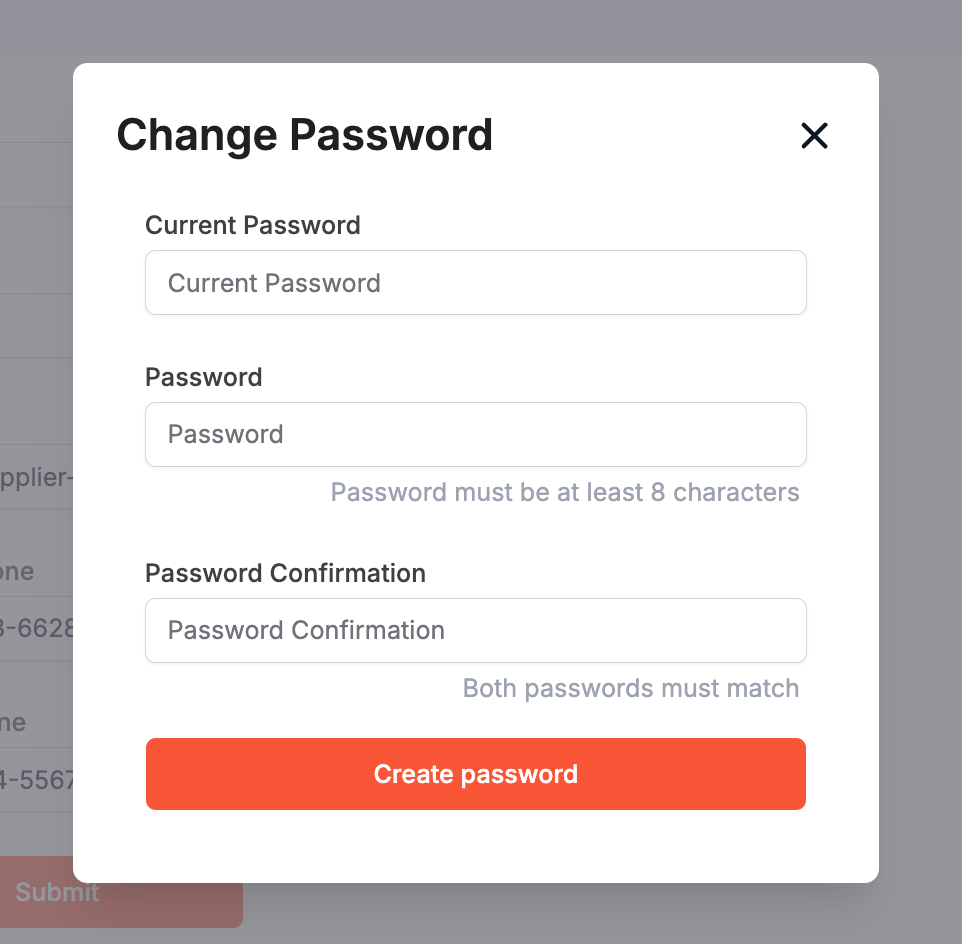
Defaults
This page allows you to change the default homepage that you arrive at when you log in to Suppli. For example, if you always start by clicking the Payments tab, you could make your default homepage "Payments" so that you can save yourself a click.