Company Information
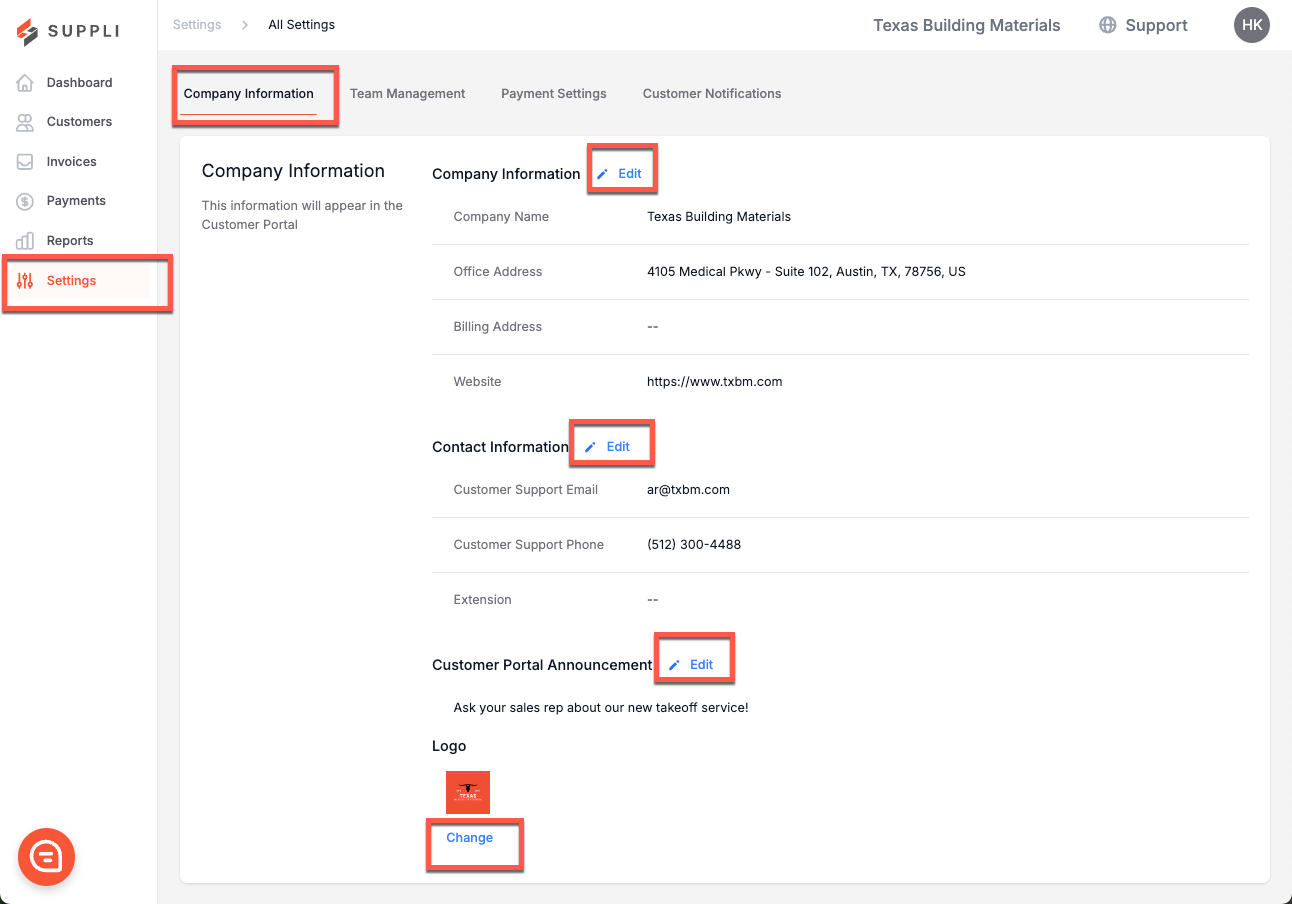
The Company Information tab allows you to add and edit important information about your Company. This information will be visible to your customers and includes:
Company Name: Your company name (as it appears to your customers)
Office Address: Your company's principal business address
Billing Address: Your company's principal billing address
Website: Your company's website
Customer Support Email: Your company's support email address
Customer Support Phone: Your company's support phone number
Customer Portal Announcement: The message your customers will see on their dashboard when they login to Suppli
Logo: Your company logo
To edit this information, click the "Edit" button. All of the information on this page can be edited at any time by a Suppli Admin.
What do my Customers See?
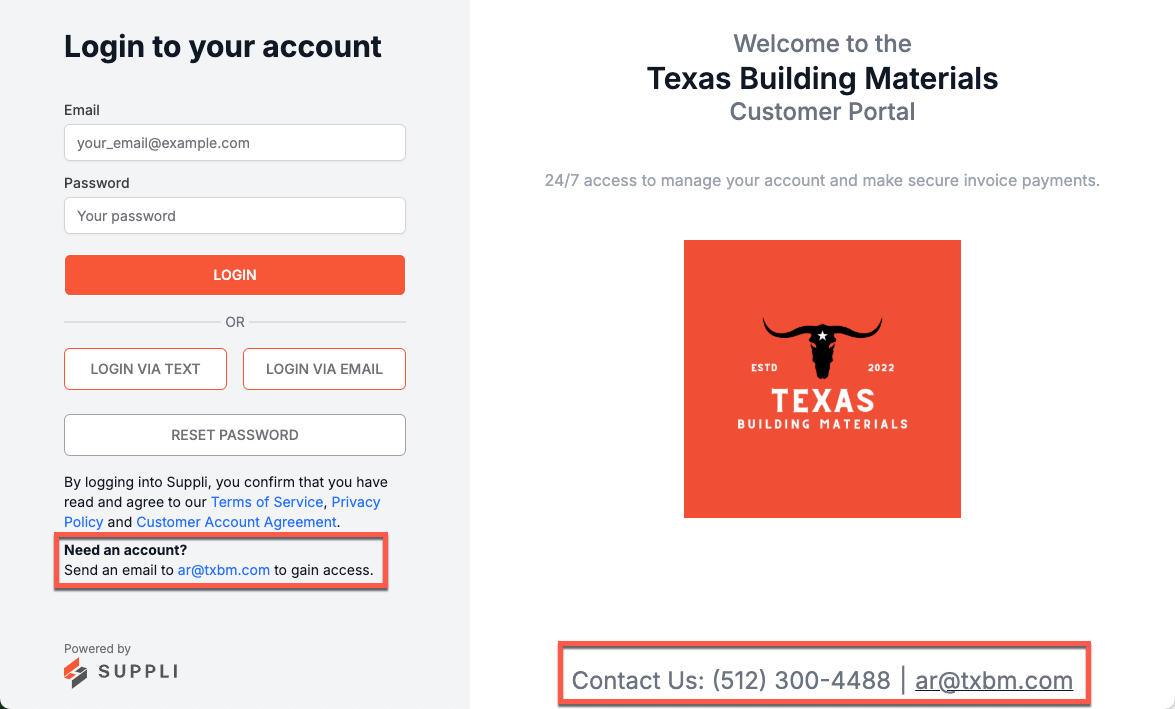
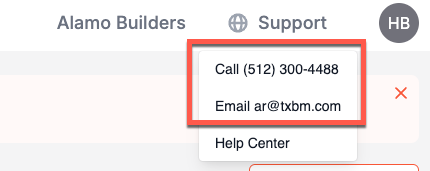
Your customers will see some of this information when they login to their customer portal. The contact information and logo are visible on the customer portal login page and when they click the "Support" dropdown once logged in.
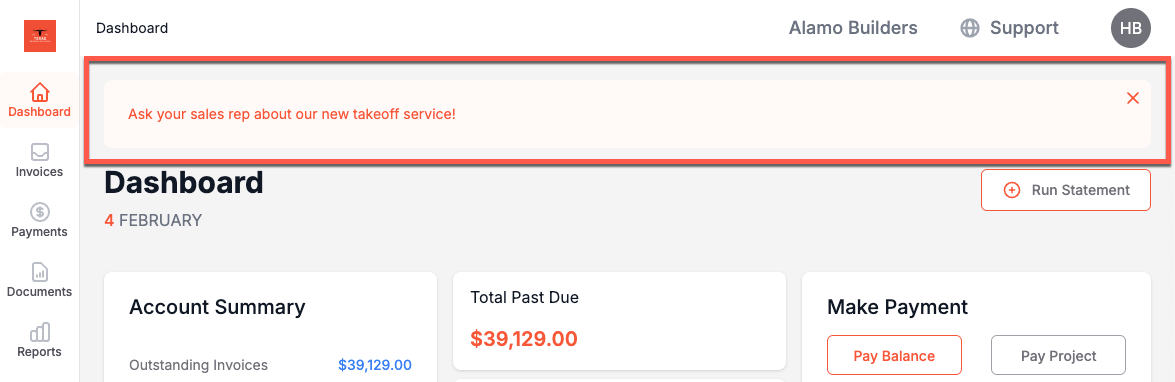
The Customer Portal Announcement is visible when they login to Suppli, at the top of the Dashboard page.